How to play a meditation with ChatGPT or Claude
Turn AI-written meditation scripts into audio with natural pauses, voices, and background music.

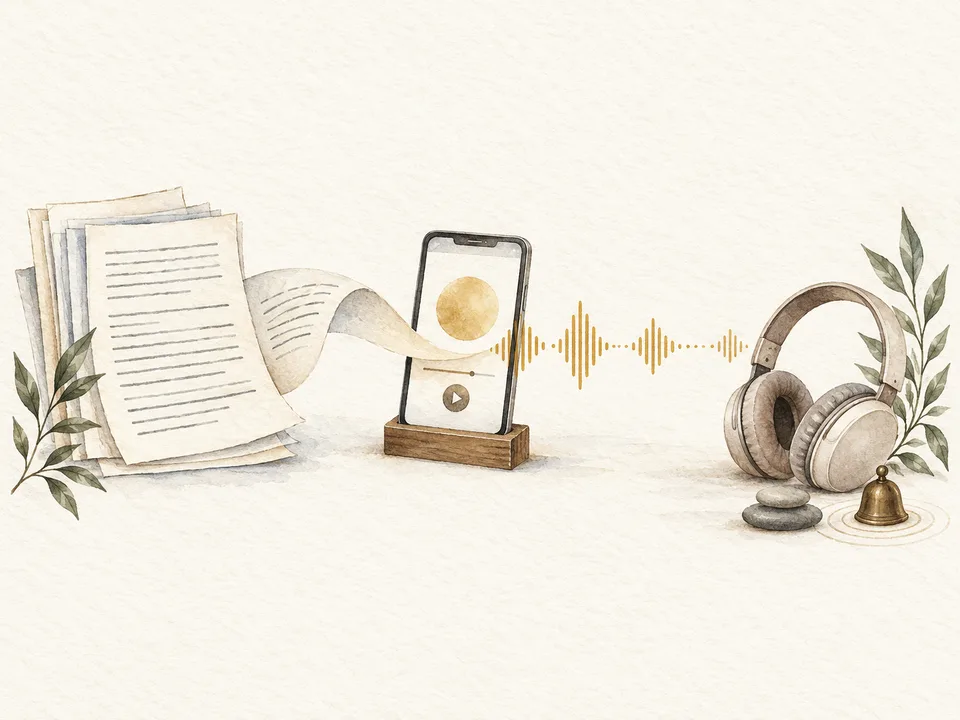
ChatGPT and Claude can be wonderful tools for creating personalized meditations. They can draw on what you tell them about your life and what you need at a particular moment. They also have extensive knowledge of many meditation traditions and practices.
But their built-in voices do not handle long pauses well, and there is limited control over the voice, pacing, and background sound.
The simplest way to turn the script into a guided meditation is to use our instant meditation player:
- Copy the meditation from ChatGPT or Claude.
- Paste it into the text box.
- And just press Play. As simple as that.
You can then choose a voice, add background sound if you want it, and begin listening.
The instant player understands many ways of writing a script or marking pauses. You can usually just paste the chatbot's response as it is, without converting the meditation into a special format.
If you already have a meditation waiting in ChatGPT or Claude, you can try it now.
There is also more you can do to make the meditation better. Let’s look at some of these options and how they can help.
Create a meditation from personal context
One of my favourite ways to create a personal meditation is to ask for one during a personal conversation. You might already be journaling, talking through a problem, or reflecting on how you have been feeling. At any point, you can ask the chatbot for a meditation.
I have been journaling with ChatGPT for a couple of years myself, and I have found it extremely useful. Those conversations give ChatGPT plenty of context when I ask it to suggest a meditation for me.
For example:
Use Open Meadow's script instructions
You can give ChatGPT or Claude more control over the script by sending them our script format guide and asking it to follow the instructions:
That is usually all you need to do. The format is designed so that our synthesis engine can faithfully render the script the chatbot writes.
We use a simple markdown format. A script can have a title, section headings, spoken paragraphs, and pauses written like this:
# Arriving in the body

Let your attention settle on the feeling of your breath.

[pause 20s]

Notice where the movement is easiest to feel.

[pause 1m]
The format tells the synthesis engine which text should be spoken and how long each written pause should last. It also makes the script easier to inspect before you play it.
Our instant meditation player can interpret less structured scripts too. The format is most useful when you want the chatbot to make deliberate decisions about the pauses and how the spoken text is divided into sections. These divisions affect the rhythm and enunciation of the generated voice.
Choose between preserving and adapting the script
When a script is imported into Open Meadow, there are two broad ways it can be handled.
Preserve the words and pauses
Preservation is useful when the script is already complete and every detail matters. Open Meadow keeps the spoken text and the stated pause lengths as they are.
For this to work well, the script needs to contain everything you want to hear and give a duration for every intentional pause. This approach is especially useful for a meditation teacher importing a finalized script, for affirmations, or for a prayer or practice where the exact wording is important.
The total duration follows from those choices. If every word and every pause is fixed, there is little room to also make the result exactly ten or twenty minutes.
Adapt it for listening
Adaptation is useful when the chatbot has produced good material that is not yet a finished meditation script.
Open Meadow can divide dense paragraphs into shorter spoken passages, introduce pauses, expand an outline, condense guidance that is too long, or make other small editorial changes. It can also work toward a target duration by adjusting both the speech and the silence.
For example, ChatGPT may write several long paragraphs followed by a general instruction to pause. That may read well on a screen but feel crowded when spoken. Adapting it can create a calmer rhythm without changing the central idea of the meditation.
Open Meadow tries to infer which approach fits the script and can ask when the choice is unclear.
This is the central tradeoff: preserving more gives you greater precision over the source, while adapting more gives the meditation greater flexibility around pacing and runtime. Neither is inherently better. It depends on which details matter most for that particular practice.
Ask for an interview when you want more control over the script
This interview technique is useful when you care about producing a precise and refined script. It can be especially helpful when you are writing for other people and want more control over the result.
You can use a prompt like this:
Answering one question at a time lets you refine the intended result as you go. You may realize that the meditation needs to feel warm without becoming sentimental, that the opening needs more guidance than the later sections, or that a sound-based practice fits the audience better than a body scan.
Ask it to check the duration
Duration is one of the trickier parts of writing a meditation with a general-purpose chatbot.
If you ask for a ten-minute meditation, the result may be much longer than ten minutes. The model may estimate the spoken text loosely and overlook how much time all the pauses add. In my experience, an unchecked script can sometimes be around one and a half to twice the requested length.
We added duration-targeting instructions to the script format page to give chatbots a simple way to calculate the requested length. Current models can get reasonably close when they follow that method and verify the total. If duration matters, I would use a prompt such as:
You can replace ten minutes with the length you want.
Duration targeting is still difficult for AI chatbots, even with the right instructions. I have found that ChatGPT and Claude follow the calculation only when reasoning or thinking is enabled. ChatGPT's Instant setting may not complete the calculation needed to match the requested duration, so choose a thinking option when the length matters.
When you paste the result into Open Meadow, the app can estimate the duration again and refine it further. Whether it should make changes depends on how closely you want to preserve the original script.
Choose a voice that suits the meditation
Before playback begins, you can preview different voices.
The language and accent are practical considerations, but the character of the voice matters too. A sleep meditation may benefit from a softer, gentler presence. A prayer may need more warmth or expression. A practice intended to bring alertness may work better with a clearer and more energetic voice.
Open Meadow offers standard and premium voices. Premium voices are a good place to start, particularly for languages other than English or scripts containing words from several languages. Among the standard English voices, Grace is especially popular for meditation.
You can listen to previews and learn more on our Voices and Languages page.
One thing that works for me is to take some time and slow down while comparing the voices. I like to close my eyes as I listen to each preview and give myself a moment to notice how the voice feels. This helps me imagine what it might be like once I am in the middle of a meditation, when I tend to be more sensitive to its tone, rhythm, and character.
A voice that sounds pleasant during a quick preview can feel different after several minutes of practice. You can always change the voice, even during playback, if the first choice does not fit.
Add sound, or use the voice alone
Adding background music can really change the experience of a meditation. You can choose instrumental loops, nature sounds, or blends of the two. None of them contain lyrics or vocals.
Some meditations feel more immersive with a subtle layer of sound. Nature recordings can also soften the transition between spoken guidance and silence. Other practices feel clearer with the voice alone, and many people prefer no background sound at all.
You can also add a bell or gong to mark the end of the practice. This can be useful when a meditation finishes with a long period of silence.
Adjust the words and silence while you listen
Our meditation player's More menu includes an Edit Script option. From there, you can change or remove any spoken passage, add a new one, and shorten or extend individual pauses.
There is also a spaciousness control. It changes the silence between spoken sections without requiring you to edit every pause separately. You can use it before the meditation begins or change it during playback.
This makes it possible to begin with shorter pauses and gradually create more room for practice. Early in a meditation, you might want regular guidance with shorter gaps. Once you are settled, you may want the same words separated by longer pauses.
Keep using ChatGPT or Claude if that is where you like to write
After the three-use demo, you can create an account and begin a two-week trial. During the trial, you can continue sampling the premium voices and features. When the trial ends, you can keep using the standard voices for free or subscribe for continued access to the premium options.
Meditations you create while signed in are saved automatically in your library.
Open Meadow also has its own chat assistant, Omi. You can ask Omi questions about meditation, create a new practice, revise an existing script, or change its duration. Because the writing and playback tools are connected, Omi can handle more of the process in one place.
You can also continue writing in ChatGPT or Claude. If one of them already knows you well, or you simply enjoy its way of working, you can use Open Meadow mainly to convert its scripts into audio.
Start simple and explore from there
And that's all you need to know to start creating your own meditations.
Begin with the simplest path: paste a script, select Play, and listen. That is enough for your first meditation.
Open Meadow meets you where you are: as you become familiar with it, you can try different voices, add background sound, edit the script, or experiment with the pauses. You can explore these options gradually and keep the ones that make a real difference to your practice.
I encourage you to be playful as you explore and thoughtful about what works best for you.
I hope you enjoy creating your own meditations and discovering what is possible.
When you are ready, sign up and start using Open Meadow.
Some common questions
Can ChatGPT play a guided meditation with long pauses?
ChatGPT can read a meditation aloud, but it does not handle long pauses well. You can copy the script into Open Meadow to play it with timed pauses.
Can I use a meditation written by Claude?
Yes. Copy Claude's response, paste it into our instant meditation player, and select Play. The same process works for scripts written by ChatGPT and other AI assistants.
Can I make a ChatGPT meditation last an exact duration?
Ask ChatGPT to account for both spoken words and pauses and to check the total using the Open Meadow duration instructions. Open Meadow can refine the duration further when you allow the script to be adapted.
Can I keep every word exactly as ChatGPT wrote it?
Yes. Use preservation when the exact wording and stated pauses matter. The final runtime will be determined by the amount of speech and silence in the original script.
Do I need an Open Meadow account?
You can play your first three meditations in the instant meditation player demo without creating an account. After signing up, you receive a two-week trial of the premium voices and features. When it ends, you can continue with standard voices for free or subscribe for premium access. You can read more on our Plans and Credits page.
Can I download the finished meditation?
Yes. Once the meditation has been prepared, you can download it as a single audio file.
Does it work in languages other than English?
Yes. We accept scripts in different languages. Premium voices support 32 languages, although most are optimized for English and quality can vary. Standard voices are strongest in English, with a smaller selection of lower-quality voices in other languages. You can listen to previews and compare the options on our Voices and Languages page.